
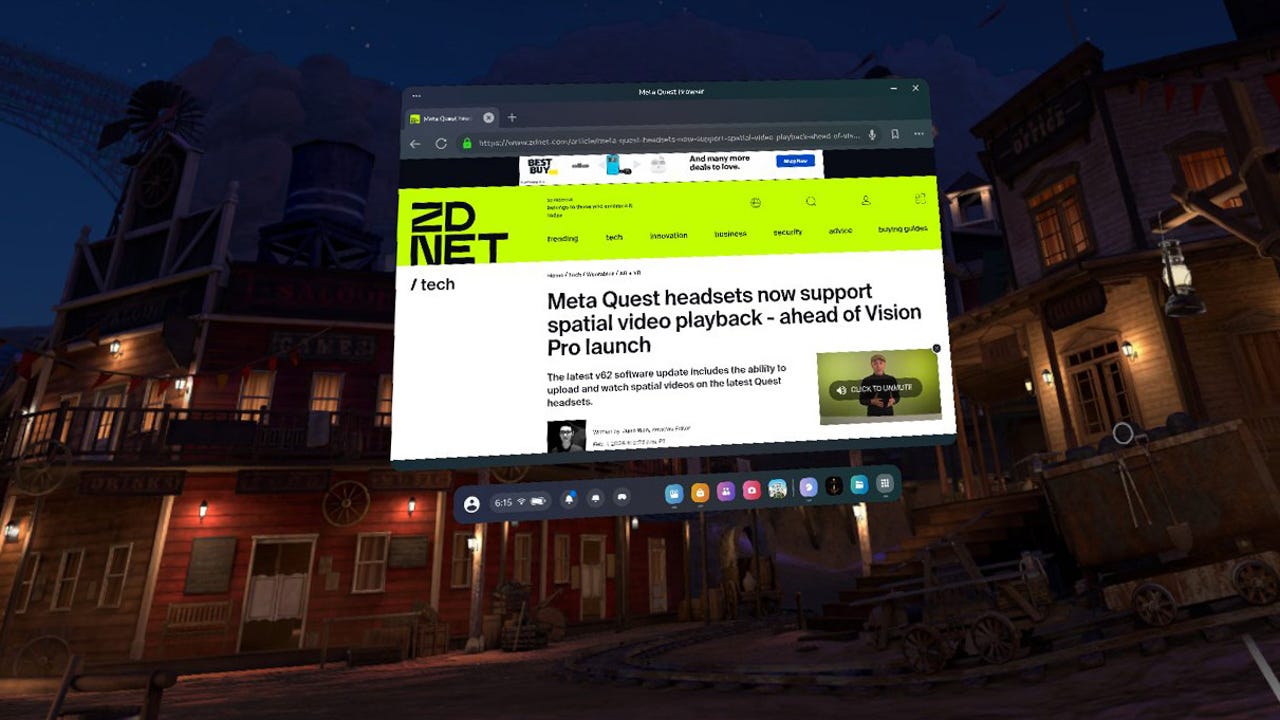
floating in the middle of a virtual environment
Many OS vendors offer early public previews of operating system releases. Microsoft does it. Apple does it. And Meta does it for the Quest operating system.
Also: Meta Quest headsets now support spatial video playback
This became an issue for me when I tried to preview Apple spatial videos on my Quest 3 . covered the exciting news that the Quest now has spatial playback, but Meta makes this capability available only in the v62 build of the headset's code.
Theoretically, that build was supposed to roll out to users during the week of February 7. But the week passed and my headset never updated. I did some research and found out that Meta has a Public Test Feed (PTF) for its code. It's easy enough to put yourself on that release track. I did so, hoping I might get the release -- which I did.
Also: Who's afraid of VR? I was - until I tried Meta Quest 3
First, a warning: Whenever you're running early or test code, baaaaad things can happen. You are taking a chance with your device. Are we clear? Good. Now, let's hack this beast.
How to enable the Public Test Feed for Quest 3
Check your current OS version
The first thing to do is hop into your headset and check your OS version. To do this, open the main Quest 3 dashboard, go into Settings, then the System block, and choose Software Update.
Also: Meta Quest headsets now support spatial video playback - ahead of Vision Pro launch
This image sort of shows that. I'm still struggling to capture high-quality screenshots from the Quest 3. I'm sure I'll get there, but that's a project for another day.
In any case, the image shows that the Quest 3 was running OS v60 at the time.
Enable the Public Test Feed
Next, jump over to the Meta app on your phone. Start by tapping on Headset Settings:
Next, tap Advanced Settings:
Now, look for the Public Test Channel button, and toggle it on.
Finally, confirm that you like to walk on the wild side. You do, don't you?
Install update on the headset
And there you go. If you hop back into your headset, you should see the prompt to install the new OS in the Software Update section. If not, you may need to reboot first.
Now, go ahead and tell it to update.
That's it, you're all set. You can keep the PTF option on if you like, or turn it back off until you're ready to get a new preview build.
Also: Meta Quest 2 vs Quest 3: How to decide which one is right for you
So, what do you plan to do? Do you have a Quest 3? Are you going to try spatial videos? Do you think you're going to enable the test channel? Let us know in the comments below.
You can follow my day-to-day project updates on social media. Be sure to subscribe to my weekly update newsletter on Substack, and follow me on Twitter at @DavidGewirtz, on Facebook at Facebook.com/DavidGewirtz, on Instagram at Instagram.com/DavidGewirtz, and on YouTube at YouTube.com/DavidGewirtzTV.
AR + VR
-
I replaced my boring workouts with Meta Quest's Supernatural app, and can't imagine going back
-
This Finnish startup's new VR headset rivals Apple's Vision Pro - and business users will love it
-
Meta's $500 Quest 3 is the mainstream VR headset I've been waiting for, and it delivers
-
I tried Apple Vision Pro and it's far ahead of where I expected
-
The best VR headsets right now (and they're not just from Meta)