
Paper clutter is real. When you're drowning in receipts, contracts, or handwritten notes, you need a fast way to digitize everything without a bulky scanner that commandeers your desk. And when you're out traveling, you might need something to translate text and run searches based on what you see on your phone camera.
That's where mobile scanning apps come in. I tested the leading options to find which ones actually deliver clean scans with smart features like PDF and DOCX conversion, OCR, and AI search. Whether you're a freelancer managing invoices or a professional who needs to manage documents on the go, these apps turn your phone into a powerful scanner.
Get more in-depth tech coverage: Add us as a preferred Google source on Chrome and Chromium browsers.
What is the best mobile scanning app right now?
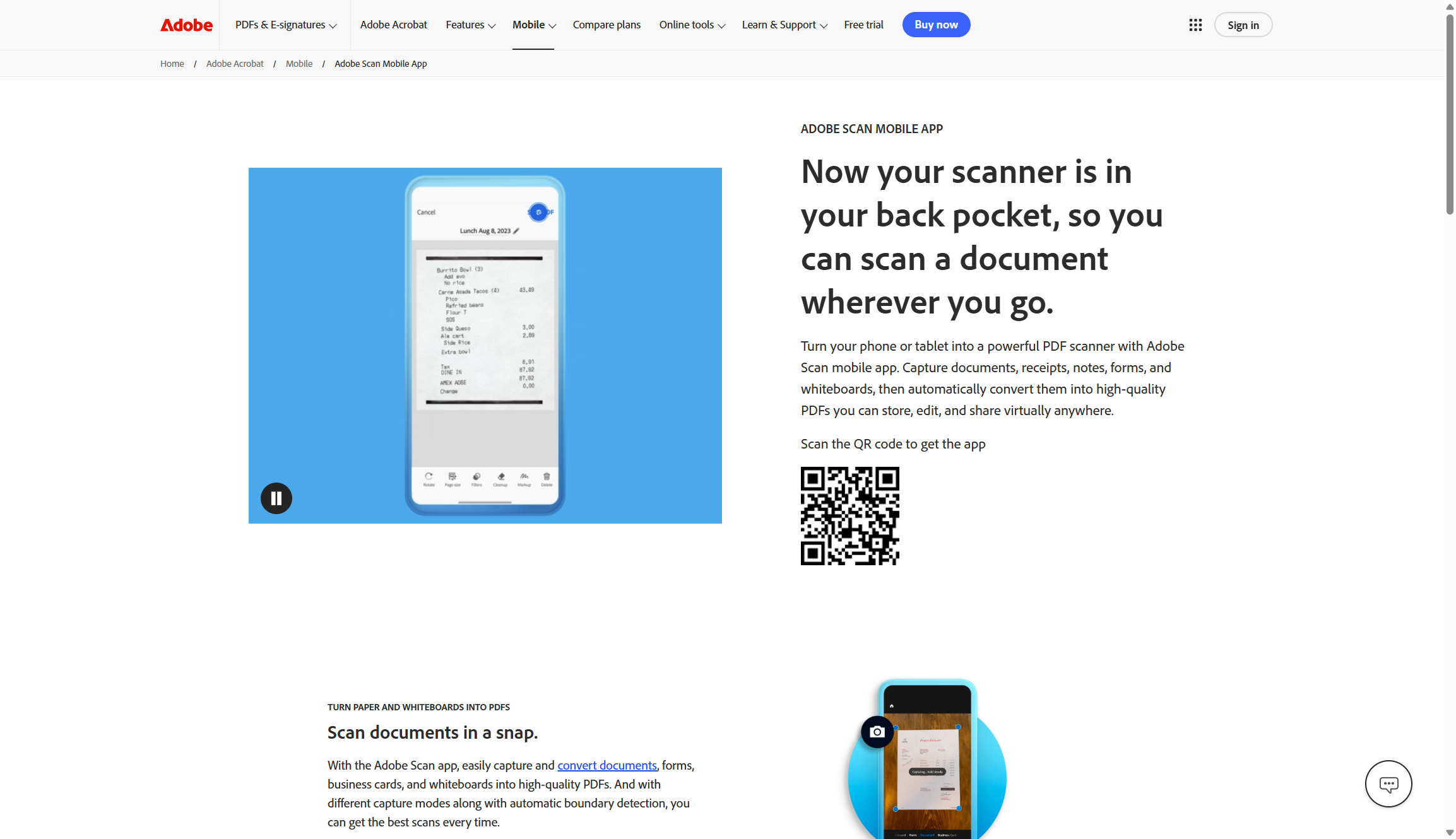
Adobe Scan is my top pick for mobile document scanning. It converts physical documents and images into high-quality PDFs, which is exactly what most people need from a scanner app. I liked its AI-powered edge detection, perspective correction, and shadow removal for challenging lighting conditions. The free version includes built-in OCR that makes your scans searchable and editable, automatic text sharpening, and the ability to combine multi-page documents into a single file. You can even edit text directly within your scanned documents, though this may need a paid upgrade.
Also: The best PDF editors to sign, edit, and save your documents
The best mobile scanning apps of 2026
I've relied on Adobe Scan more times than I can count, to digitize everything from receipts to full-blown legal documents. Its automatic edge detection and perspective correction handle the most challenging lighting situations with impressive results. It sharpens text automatically and removes shadows without any manual editing.
The free version includes most features so that people will never outgrow it. I can create searchable PDFs using built-in OCR, scan multi-page documents in one session, and export to multiple file formats for uploading to the cloud. The Magic Eraser tool removes fingerprints, stains, and creases that would otherwise look very unprofessional.
Also: Adobe's AI can edit your PDFs and spin them into presentations in minutes now - here's how
Adobe Scan integrates seamlessly with Adobe Document Cloud, which means my scans are automatically backed up and accessible across devices. There's even a high-speed scanning mode for bulk documents and a Book Mode that straightens pages from bound materials. Business card scanning extracts contact information automatically, which is handy for networking events.
The premium subscription ($9.99/month) unlocks advanced features like password protection, and increased OCR capacity from 25 to 100 pages, and the ability to edit scanned documents in the app itself. While the free version covers most everyday scanning needs, heavy users might appreciate these extras. The UI is intuitive like the rest of Adobe Creative Cloud, though the auto-capture can sometimes be too aggressive and need switching to manual capture.
Adobe Scan features: AI-powered edge detection | Multi-page PDF creation | OCR text recognition | Magic Eraser tool | High-speed scanning | Cloud integration | Business card scanning
- Free scanning and export
- Accurate OCR
- Adobe ecosystem integration
- PDF editing costs extra
- Limited free cloud storage
- Auto-capture can be aggressive
Adobe Scan
Best mobile scanning app overall
I've relied on Adobe Scan more times than I can count, to digitize everything from receipts to full-blown legal documents. Its automatic edge detection and perspective correction handle the most challenging lighting situations with impressive results. It sharpens text automatically and removes shadows without any manual editing.
The free version includes most features so that people will never outgrow it. I can create searchable PDFs using built-in OCR, scan multi-page documents in one session, and export to multiple file formats for uploading to the cloud. The Magic Eraser tool removes fingerprints, stains, and creases that would otherwise look very unprofessional.
Also: Adobe's AI can edit your PDFs and spin them into presentations in minutes now - here's how
Adobe Scan integrates seamlessly with Adobe Document Cloud, which means my scans are automatically backed up and accessible across devices. There's even a high-speed scanning mode for bulk documents and a Book Mode that straightens pages from bound materials. Business card scanning extracts contact information automatically, which is handy for networking events.
The premium subscription ($9.99/month) unlocks advanced features like password protection, and increased OCR capacity from 25 to 100 pages, and the ability to edit scanned documents in the app itself. While the free version covers most everyday scanning needs, heavy users might appreciate these extras. The UI is intuitive like the rest of Adobe Creative Cloud, though the auto-capture can sometimes be too aggressive and need switching to manual capture.
Adobe Scan features: AI-powered edge detection | Multi-page PDF creation | OCR text recognition | Magic Eraser tool | High-speed scanning | Cloud integration | Business card scanning
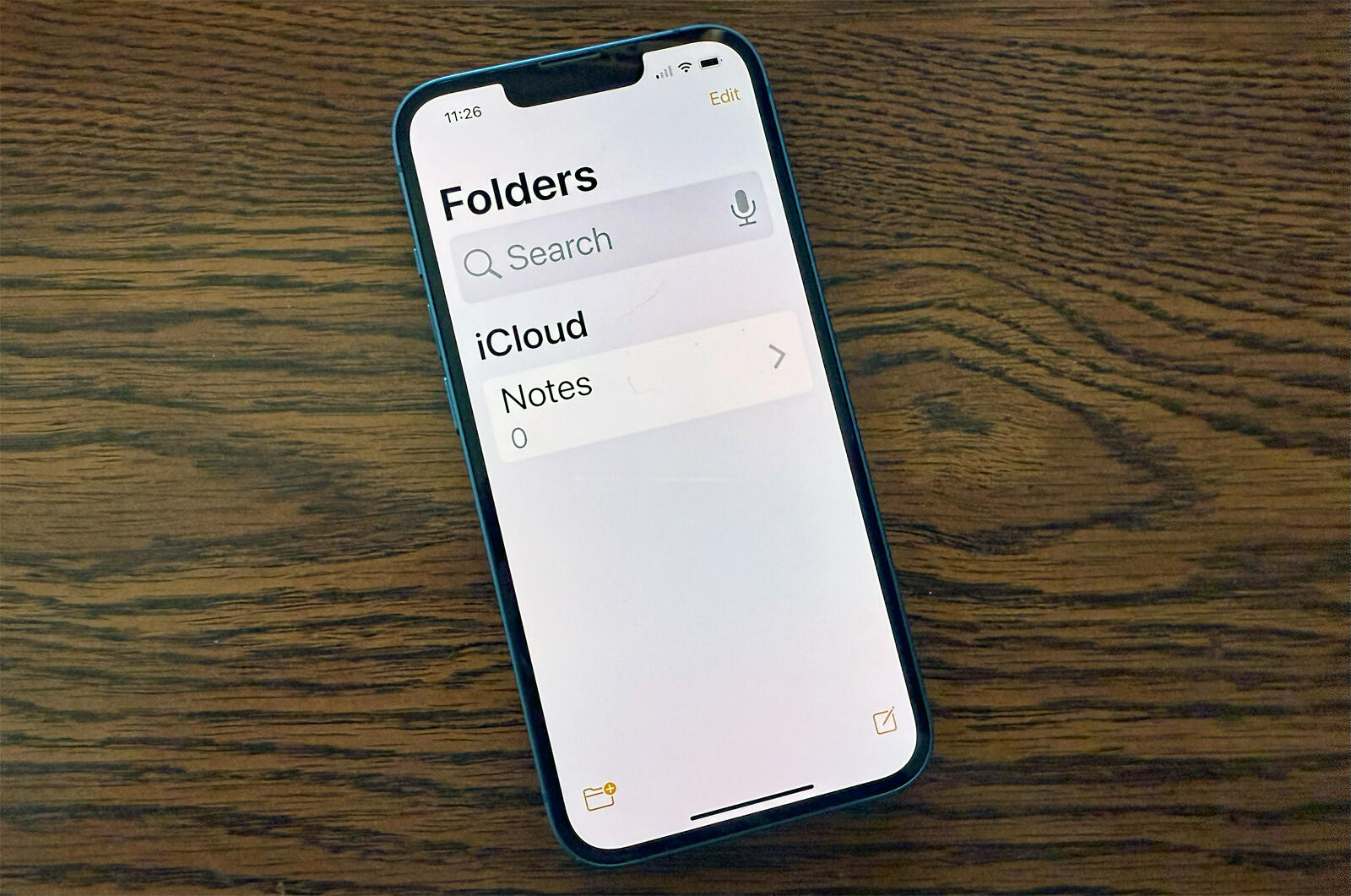
The Apple Notes app has quietly become one of the best scanning solutions for iPhone and iPad users. It's built right into iOS, no downloads, no subscriptions, no watermarks. It automatically detects document edges, corrects perspective, and enhances text clarity without any tweaking.
Scanning is remarkably straightforward in Notes. I open a note, tap the attachments button (paperclip icon in iOS 18), select "Scan Documents," and let the camera do its work. The app takes snapshots automatically when it detects page boundaries and I can also trigger manual capture for more control. Multi-page scanning works well too, allowing me to build complete documents in seconds.
Also: 6 Apple Notes features I rely on to stay organized and save time
The OCR functionality performed well during testing, with accurate text recognition down to about 6-8 point fonts. Apple's machine learning algorithms have improved with each iOS generation, delivering clean scans even in less-than-ideal lighting. All scans automatically save to iCloud, making them accessible across any number of devices.
The main limitation is export flexibility. Notes can only export to PDF and raw TXT, with no built-in text search like Adobe Scan or Microsoft Lens. For iPhone and iPad users who just need reliable document scanning, though, Notes gets you everything you need.
Apple Notes features: Automatic edge detection | Perspective correction | Multi-page scanning | OCR text recognition | iCloud sync | Text scanning mode | Annotation tools
- Completely free, no ads
- Already on your device
- iCloud automatic backup
- Limited export options
- No searchable PDF export
- iOS/iPadOS only
Apple Notes
Best for iPhone and iPad users
The Apple Notes app has quietly become one of the best scanning solutions for iPhone and iPad users. It's built right into iOS, no downloads, no subscriptions, no watermarks. It automatically detects document edges, corrects perspective, and enhances text clarity without any tweaking.
Scanning is remarkably straightforward in Notes. I open a note, tap the attachments button (paperclip icon in iOS 18), select "Scan Documents," and let the camera do its work. The app takes snapshots automatically when it detects page boundaries and I can also trigger manual capture for more control. Multi-page scanning works well too, allowing me to build complete documents in seconds.
Also: 6 Apple Notes features I rely on to stay organized and save time
The OCR functionality performed well during testing, with accurate text recognition down to about 6-8 point fonts. Apple's machine learning algorithms have improved with each iOS generation, delivering clean scans even in less-than-ideal lighting. All scans automatically save to iCloud, making them accessible across any number of devices.
The main limitation is export flexibility. Notes can only export to PDF and raw TXT, with no built-in text search like Adobe Scan or Microsoft Lens. For iPhone and iPad users who just need reliable document scanning, though, Notes gets you everything you need.
Apple Notes features: Automatic edge detection | Perspective correction | Multi-page scanning | OCR text recognition | iCloud sync | Text scanning mode | Annotation tools
Google Lens is great at quick text extraction and translation, but it doesn't support traditional document scanning. I've successfully used it to instantly translate restaurant menus, street signs, and printed materials while traveling. The tool extracts text from images with 70-85% accuracy and translates it in just 2-5 seconds.
The text mode is optimized for document capture. I just point my camera at any document, tap the shutter, and it immediately highlights recognized text. I can select all or drag handles to choose specific paragraphs, then instantly copy the text to Word, Notes, or any other app. The translation feature supports 108 languages. Now you can even listen to the scanned text using an AI narrator, which is useful for visually impaired users.
Also: 7 ways I use Google Lens every day - and why it's one of my favorite AI apps
Google Lens integrates across all platforms. It's built into Android devices, available through the Google app on iOS, and accessible in Chrome by right-clicking any image. Beyond text extraction, it uses AI to identify plants, animals, landmarks, products, and even scans QR codes.
However, Google Lens isn't designed for creating organized PDF archives like dedicated scanning apps. There's no document management system, no ability to create multi-page PDFs, and most features require an internet connection. It's best for quick text grabs, translations on the go, and instant visual searches rather than building a digital filing system.
Google Lens features: Real-time text recognition | 100+ language translation | Product identification | Handwriting recognition | QR code scanning | Business card capture | Visual search
- Completely free tool
- Instant translation (100+ languages)
- Real-time visual search
- No PDF export
- Requires internet connection
- AI can be a bit inconsistent
Google Lens
Best for quick text extraction and translation
Google Lens is great at quick text ext...